POS register
Take dine-in, takeaway and delivery orders and print itemised receipts.
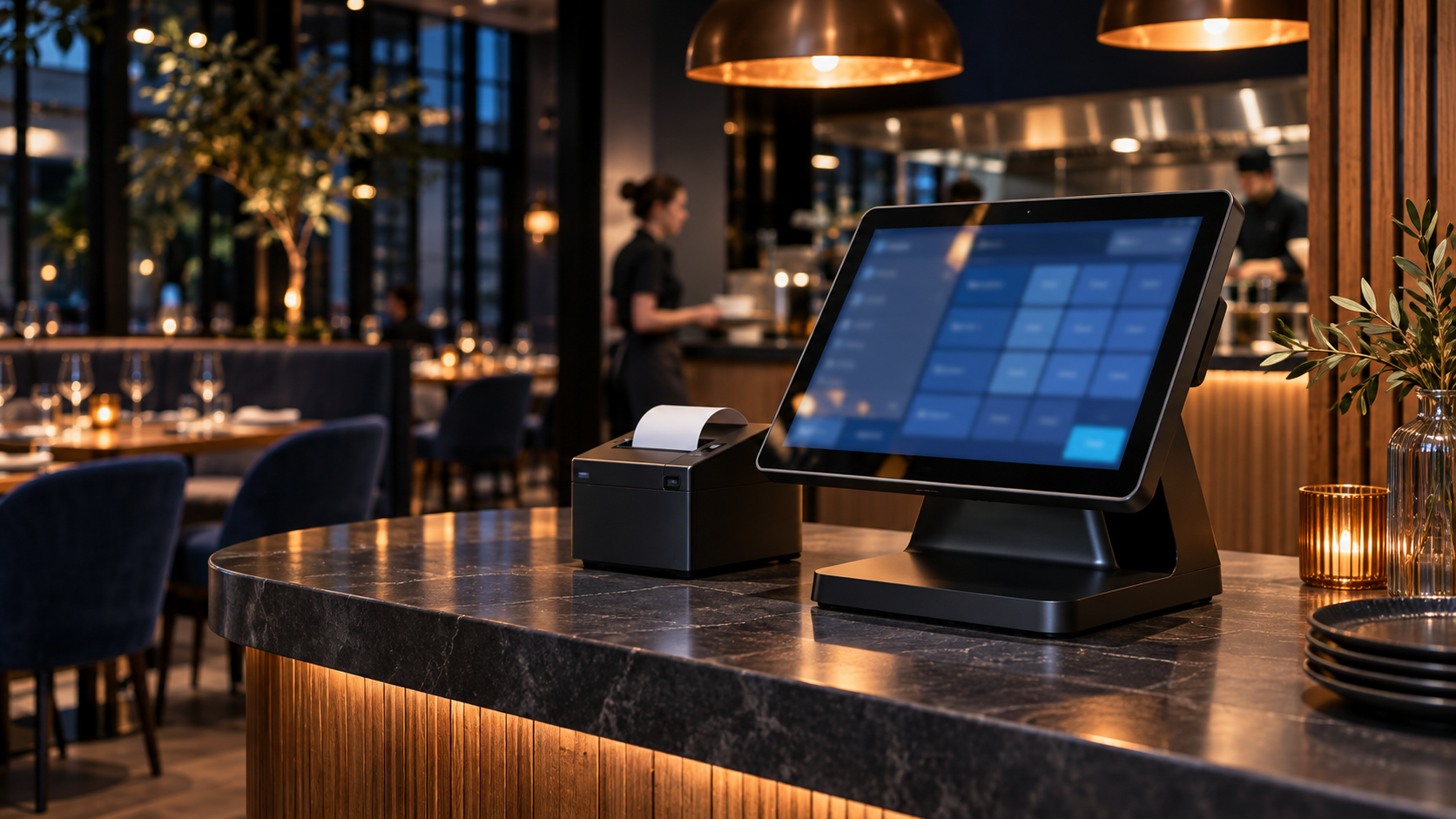
Restaurant point of sale
Take dine-in, takeaway and delivery orders, send tickets to the kitchen, and keep track of every shift.
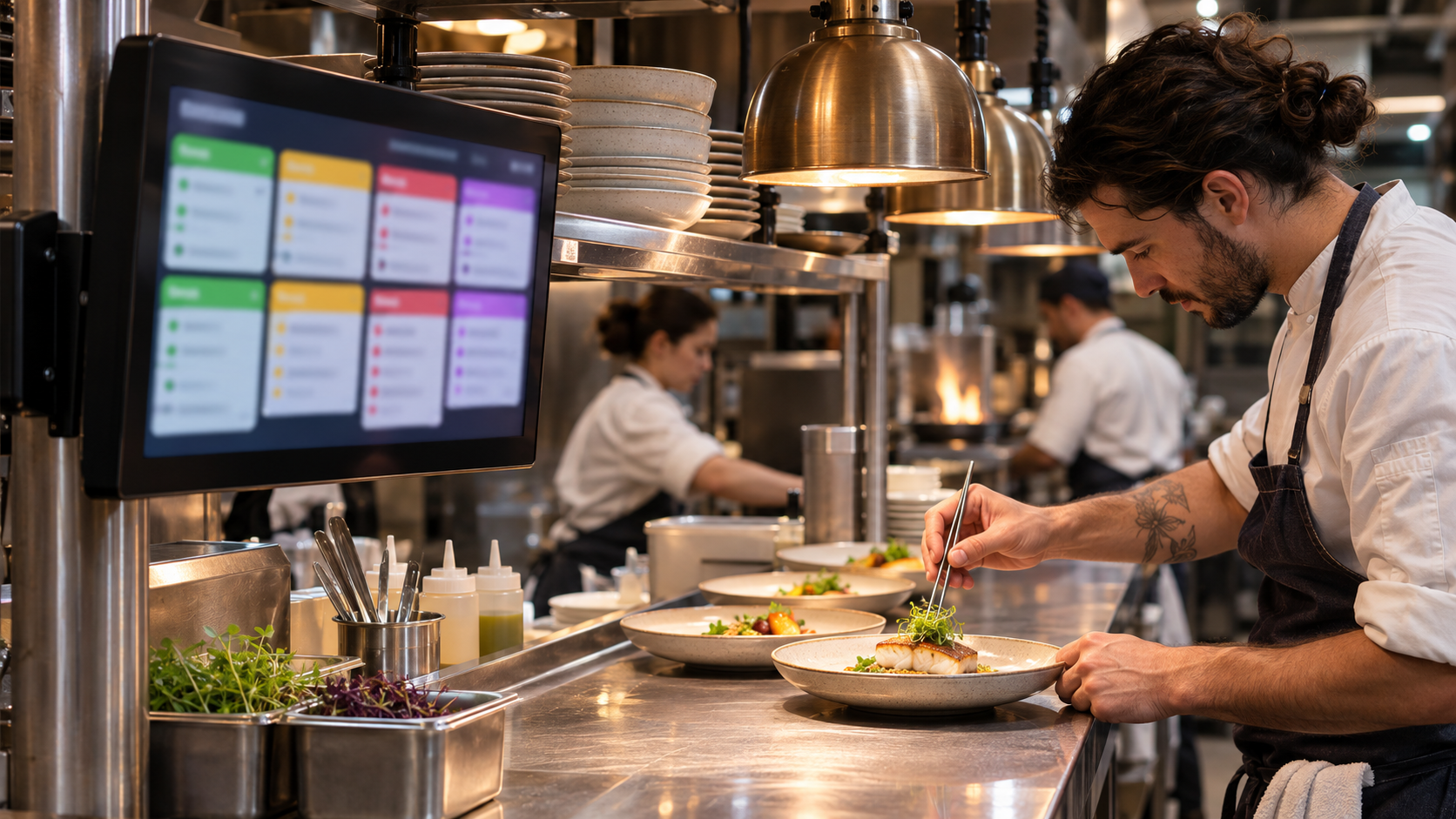
Live kitchen display
See incoming tickets, track elapsed time, and move orders from acceptance to completion on one screen.
Give the counter, dining room, and kitchen a shared view of each order.
Take dine-in, takeaway and delivery orders and print itemised receipts.
See available tables and organise your dining room by floor.
Track incoming tickets, elapsed time and preparation status.
Review sales and expenses and assign staff permissions.
Orders appear in the kitchen as soon as they’re saved. Staff can see what’s new, what’s preparing, and what’s ready to serve.
See how it worksOrganise dishes into categories, set prices, and add photos.
Create employee accounts and control what each role can view or change.
Track income and expenses and review performance from your workspace.